On iOS · On Android · On your browser
Every bookmark, organised.
One home for your saved links, on your phone and in your browser. Save with one tap. Find with one keystroke.
Coming soon. Tap a badge and we’ll email you when it is available for download.
Start with a 7-day free trial.
How it works
Your links, at your fingertips, on mobile and in your browser.
Universal tags
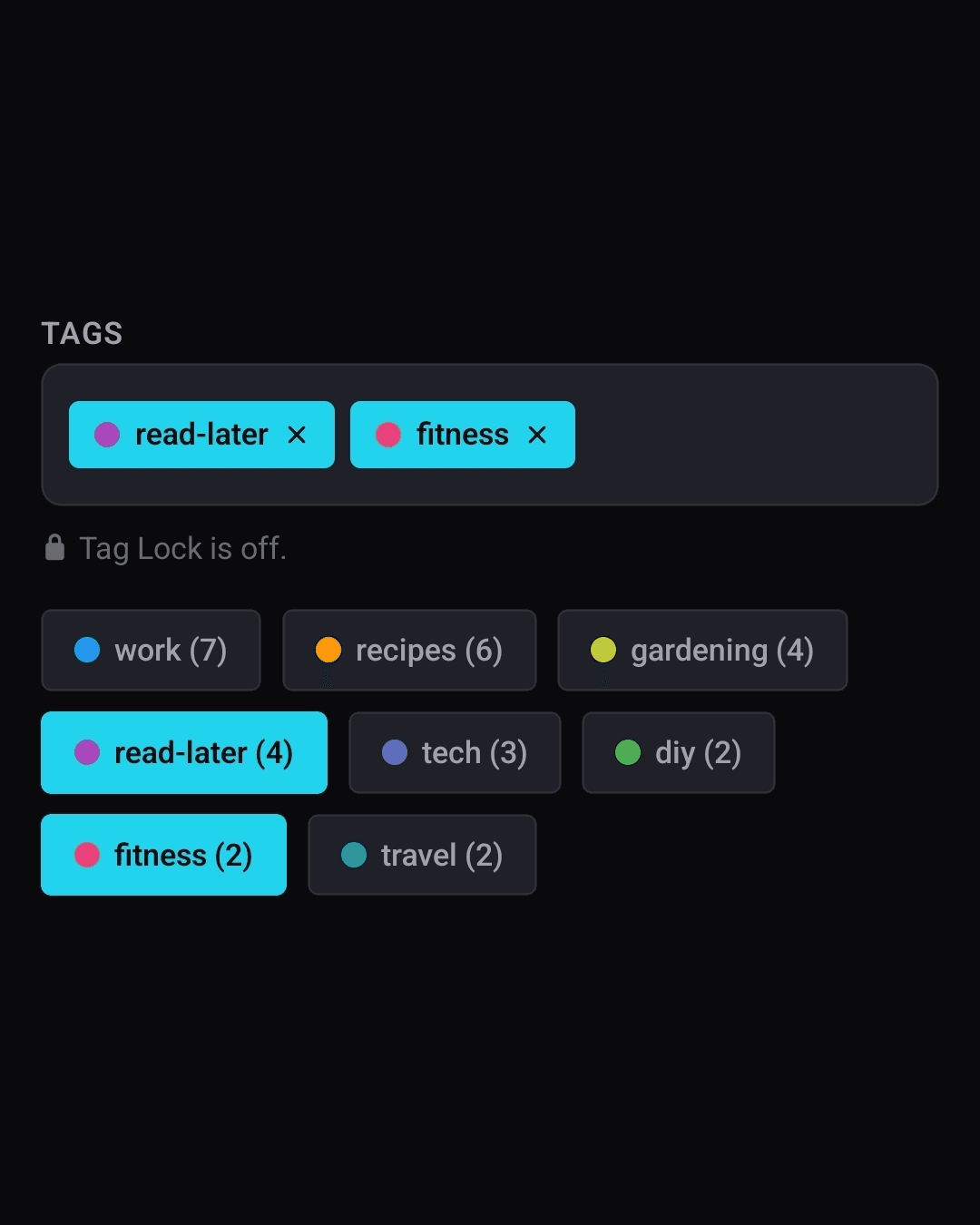
Add tags so links are easy to find. Each link takes its accent colour from the tags you choose.
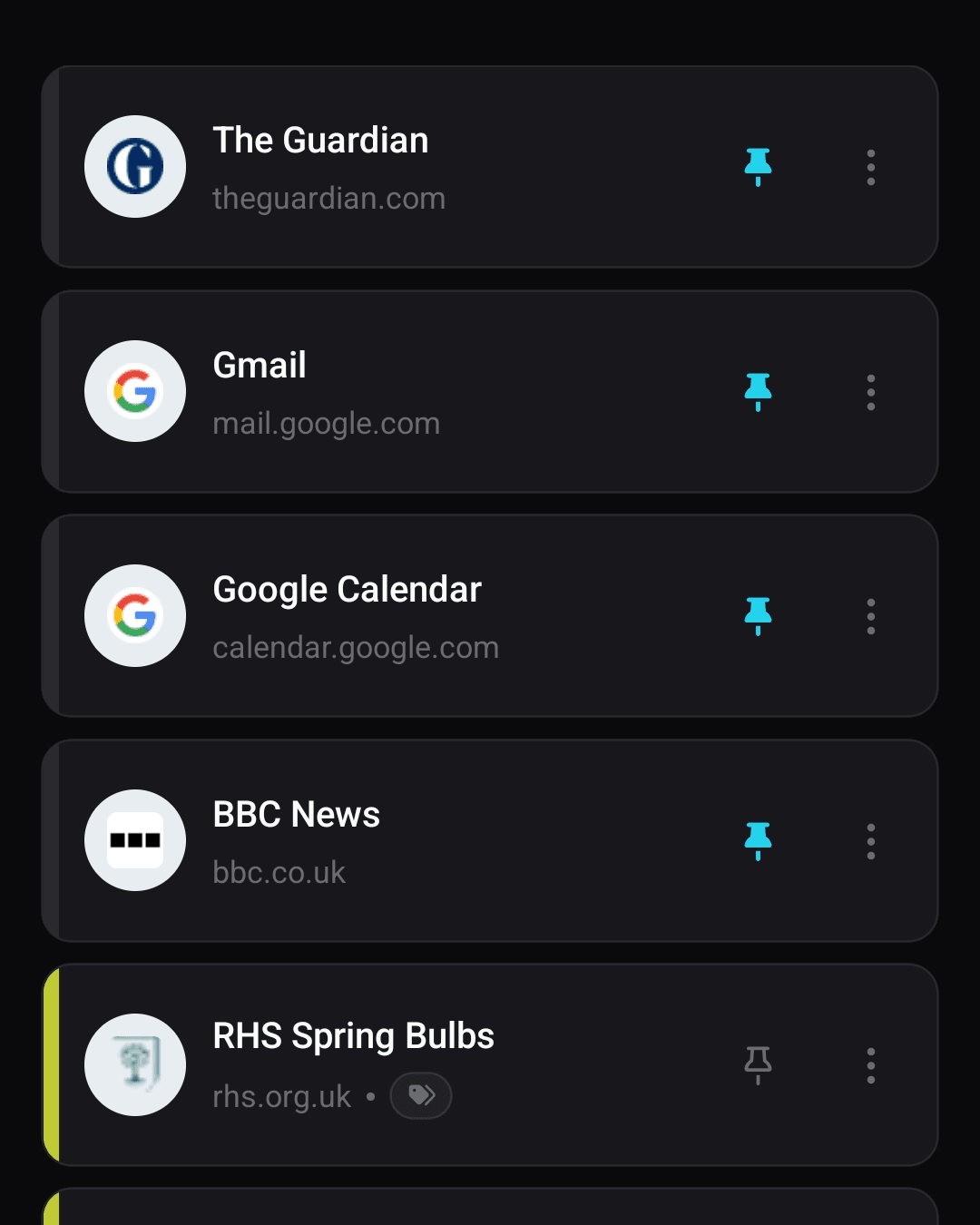
Pins become your bookmarks bar
Turn on bar sync† and your pinned links become your browser bookmarks bar, in the same order.
Find in one keystroke
Search titles, jump to a tag, search across multiple lists. No folders to dig through like other bookmark apps.
See the app
Simple yet powerful.
Keep one simple list, or use extra lists. Use tags and colours when you need more, or Really Simple Mode if you don’t.
Features explained
How the pieces fit together.
Every feature earns its place. No clutter, just a handful of ideas that work hard together.
Universal tags (with optional colour-coding)
Give a link any number of tags. Tags work across every list. Colour belongs to the tag: give your recipes tag a colour and every link carrying it picks up that accent automatically.
Pinned links form your bookmarks bar (optional)
Pin the links you reach for most and they will stay at the top of your list. Find the browser’s bookmarks bar useful? Then turn on bar sync in the browser extension to mirror your pinned links direct in the browser bookmarks bar.
Search without digging
Type to search titles. Or start with a single key: / filters by tag, = searches every list at once, and ! switches lists without leaving the keyboard.
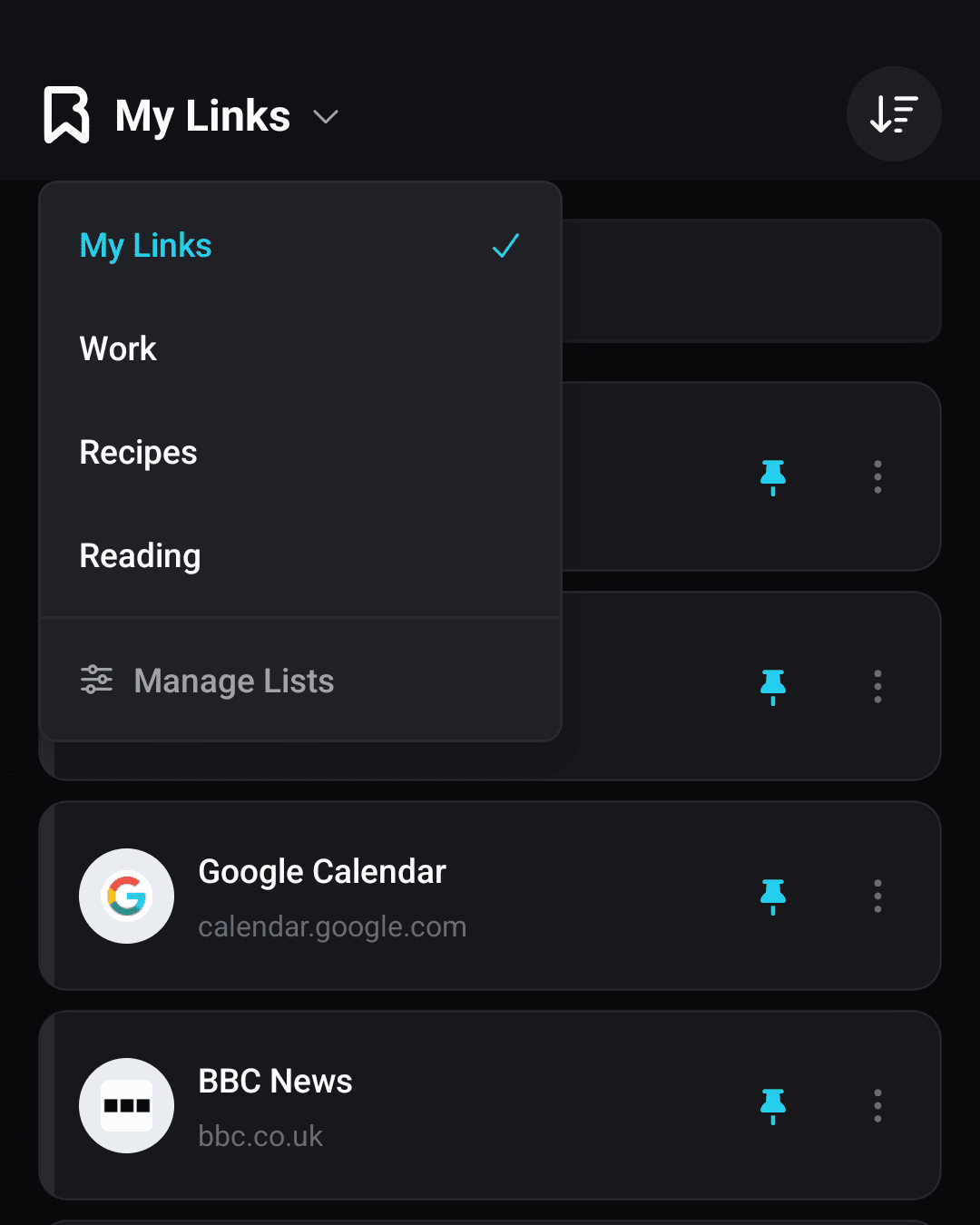
Multiple lists
Keep work and home apart, or give a project its own list. Everyone starts with one list called My Links and you can add up to ten. Switching is one tap in the app or one keystroke in the extension.
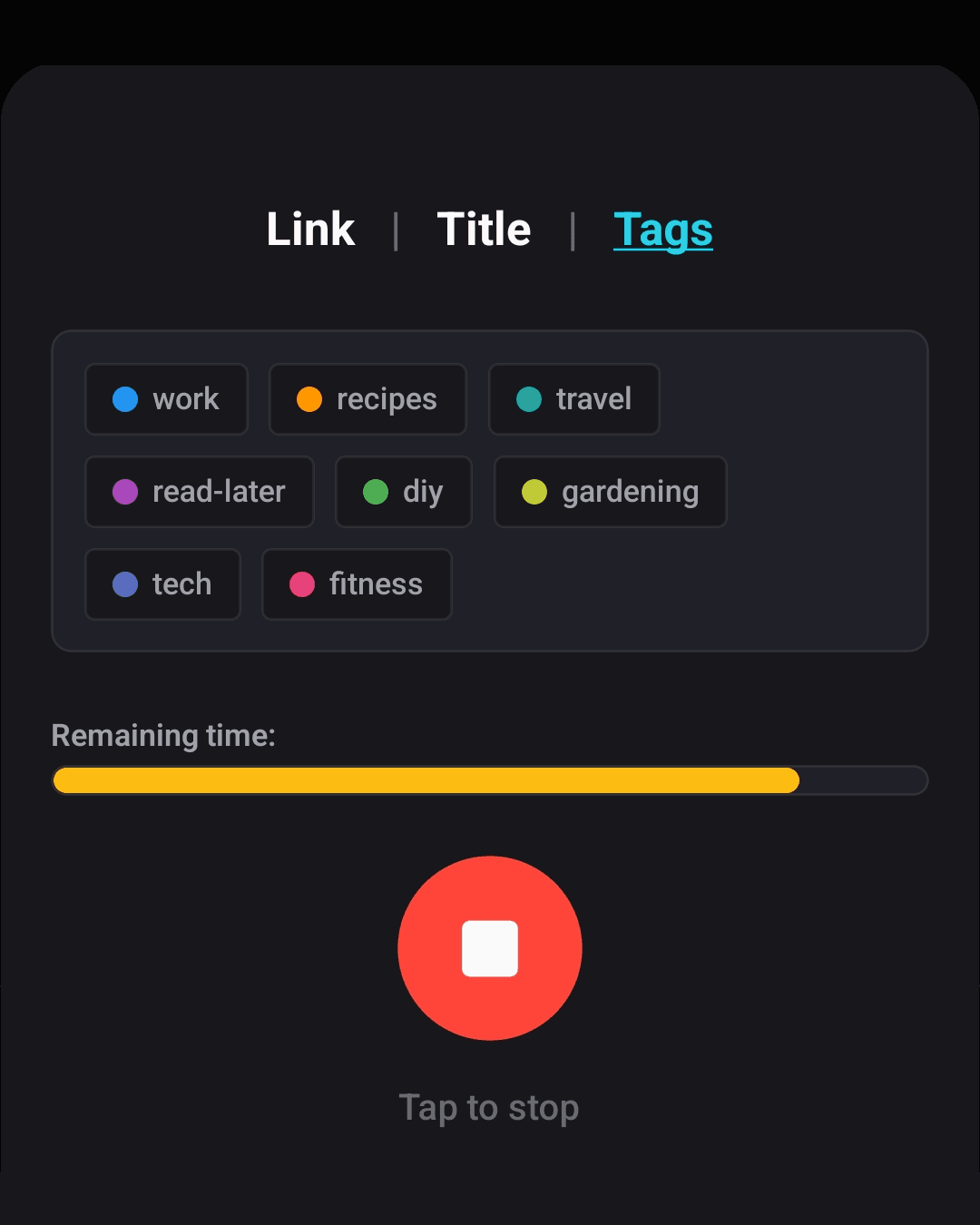
Add links with your voice or QR code scan
Say the link, the title, and the tags in one breath and Bookmarkz fills the form in. Got a link QR code? Scan it with the app.
Really Simple Mode
Prefer a plain list? Really Simple Mode hides tags, colours, and search operators in one switch, leaving a clean list of links. Perfect for computer novices, or just those who want to keep things simple!
Use Links Manager for the big tidy-ups
Need to add, change or delete in bulk? Links Manager is accessible through the browser extension and opens a full desktop window for more substantial editing of your lists.
Import and export with ease
Import the bookmarks file any browser exports, and export your links the same way, as a standard bookmarks file or a PDF. Your data also downloads as CSV from Settings at any time. No lock-in.
Browser extension
The same links, in the browser you already use.
Use the browser extension to save the current tab, search your links from the toolbar, and open the Links Manager for bulk editing.
Find it in one keystroke
Use magic keys to filter by tag, search every list at once, or switch lists using your keyboard.
One click to save
Save the page you are on from the toolbar, or with your own keyboard shortcut, without leaving the tab.
Search that gets out of the way
Type to search titles. Press one key first to filter by tag, search every list at once, or jump to another list.
Your pins are your bookmarks bar
Turn on bar sync and your pinned links take over the browser's bookmarks bar: same links, same order, on every computer you sign in to. Edit either one and the other follows.
Bar sync is not available on Safari, which does not let extensions manage the bookmarks bar.
Links Manager
A desktop workbench for bulk bookmark management
One keystroke opens the Links Manager in its own window. From here you edit and tidy your bookmarks in bulk.
My Links
128 links
Made for the keyboard
Use shortcuts to save, search, select, move, and tidy links without leaving the keyboard.
- CtrlSSave every staged change at once
- CtrlDDiscard the whole draft
- /Jump to search from anywhere
- ↑ ↓Walk the lists and the links
- EscBack out one level at a time
Tidy all your links in one sitting
- Select multiple links, tag them or move them to another list in one action
- Rename lists and links inline, no dialogs to open
- Rename tags, set their colour, see exactly which links carry them
- Import a bookmarks file from any browser, export them with ease
Get the app
Every bookmark, organised.
Not on the App Store or Google Play yet. Tap a badge and we’ll email you the day it lands.
7-day free trial. Subscribe from the app, cancel any time.